
The “Product Description” widget is mainly designed for the Single Product Template on WooCommerce. Product descriptions can be changed separately as desired. With this widget, you can easily customize your product description.
Why Product Description is used?
On the Single Product Template, “WL: Product Description” widget is used for the Single Product Template on WooCommerce.
The “Product Description” widget is mainly designed for the Single Product Template.
Steps of adding Product Description
Go to WordPress Dashboard > WooLentor > Settings > Elements. From the list of Elements, turn ON the “Product Description” widget.
- You need to use the “Product Description” widget on the Single Product Template.
- To add a Product Description widget, Drag and drop the “WL: Product Description” widget onto the Single Product Template.
Step 1: How to Enable Product Description?
Go to Dashboard > WooLentor > Settings > Elements. From the list of Elements, turn ON the Product Description widget.
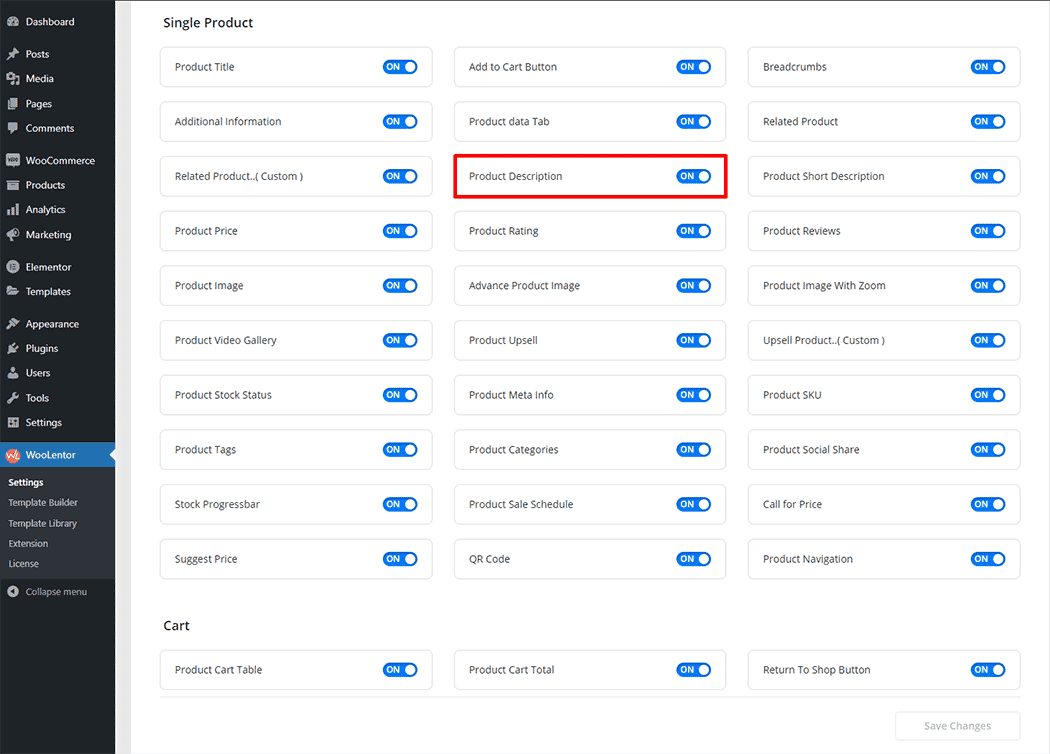
Step 2: How to use the Product Description Widget?
You need to use the Single Product Template to add a “Product Description” widget.
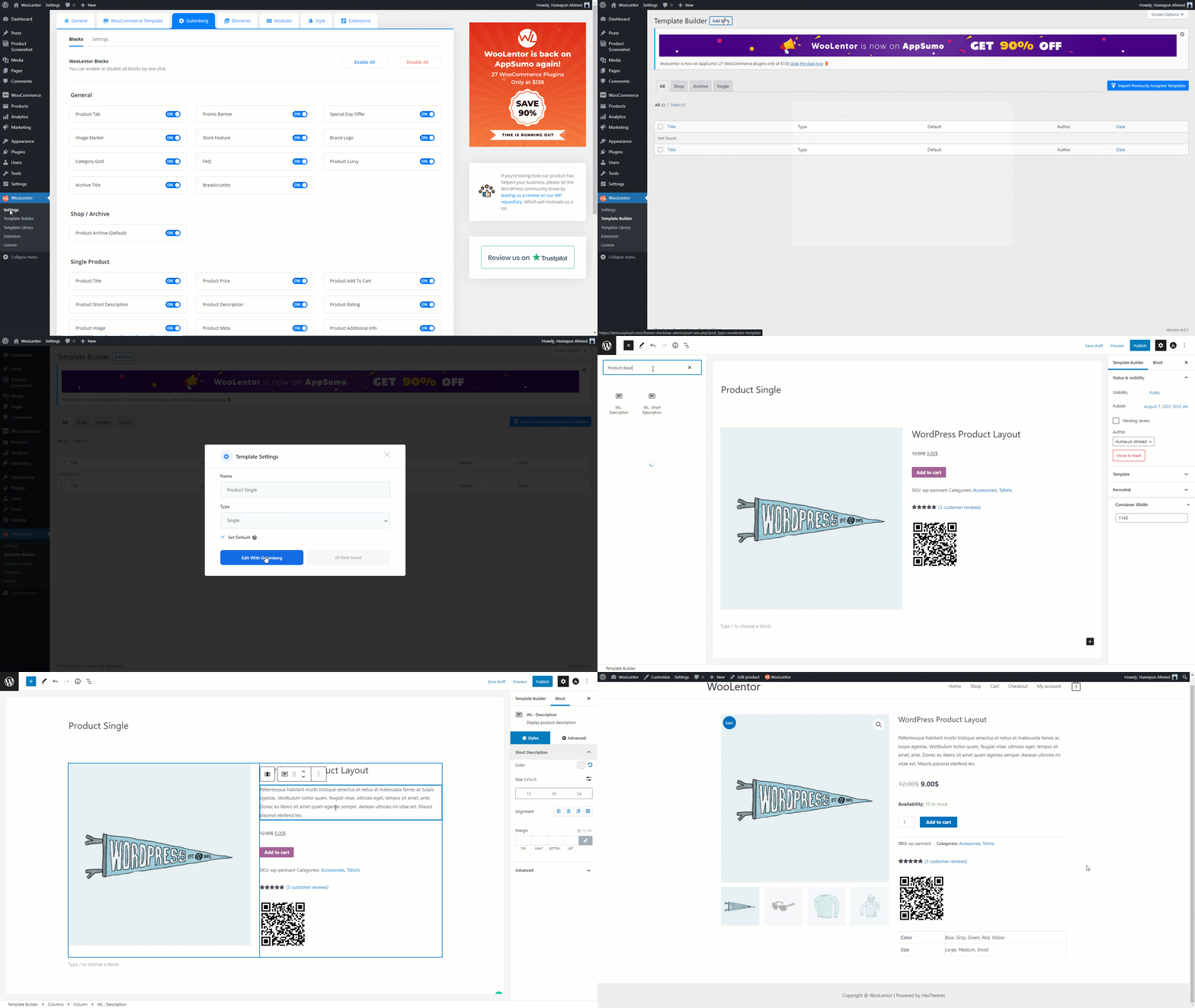
Go to Dashboard > WooLentor > Template Builder. Click the “Add New” button on the top right beside the text “Template Builder” to create a Single Product Template

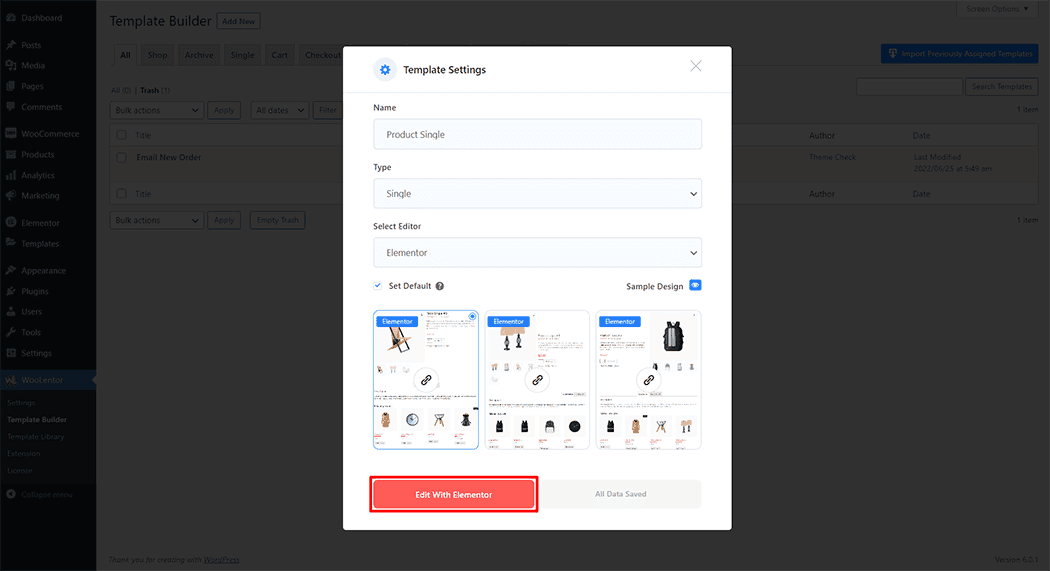
Set the name of your Template in the popup box for template settings. Then click the “Set Default” checkbox after selecting Single from the dropdown type list. You can choose a default sample design from the “Sample Design” button. Now click the “Save Settings” button to save your settings.

To add the Product Description widget, click the “Edit with Elementor” button to edit the Single Product Template
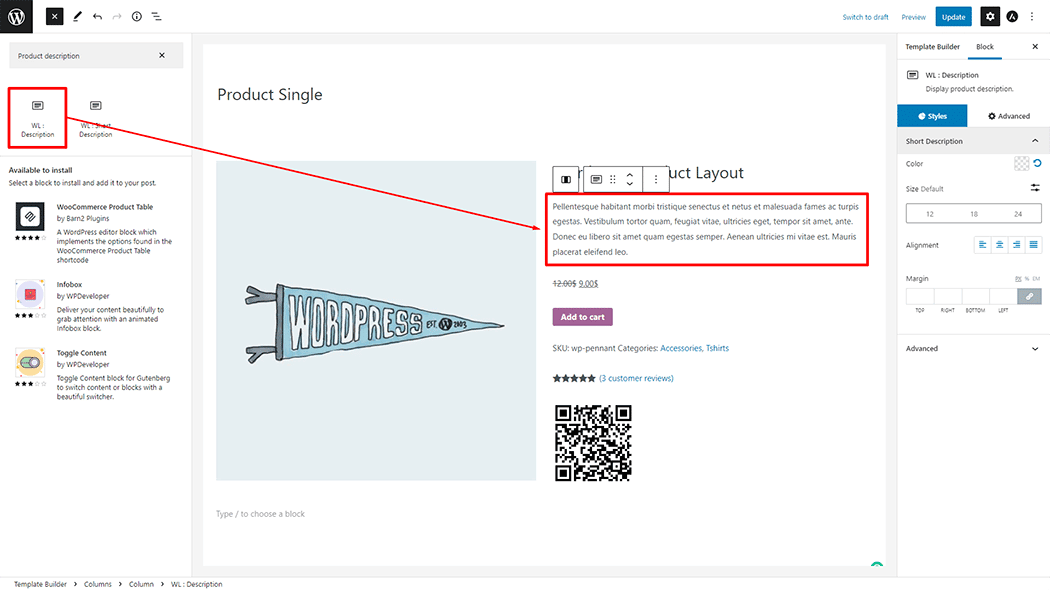
To add a Product Description widget, search by “Product Description” and use the widget that has the “WL Badge”.
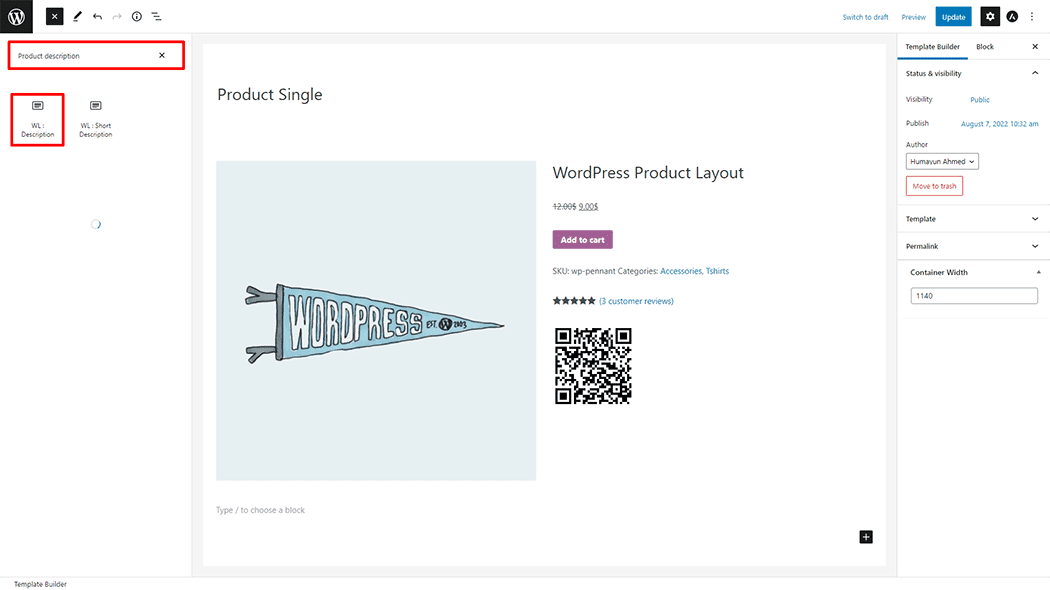
Drag and drop the WooLentor “Product Description” widget onto the Single Product Template.
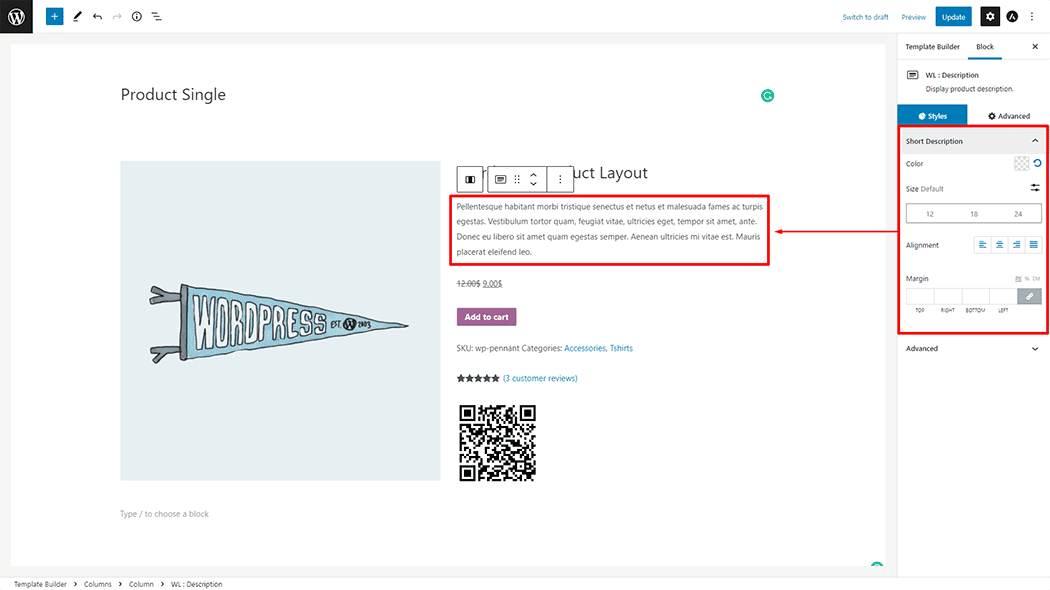
Step 3: How to customize the Product Description Widget?
Style: You can change the Style as you need
Step 4: Now visit the site
Visit the Single Product Template to Preview.
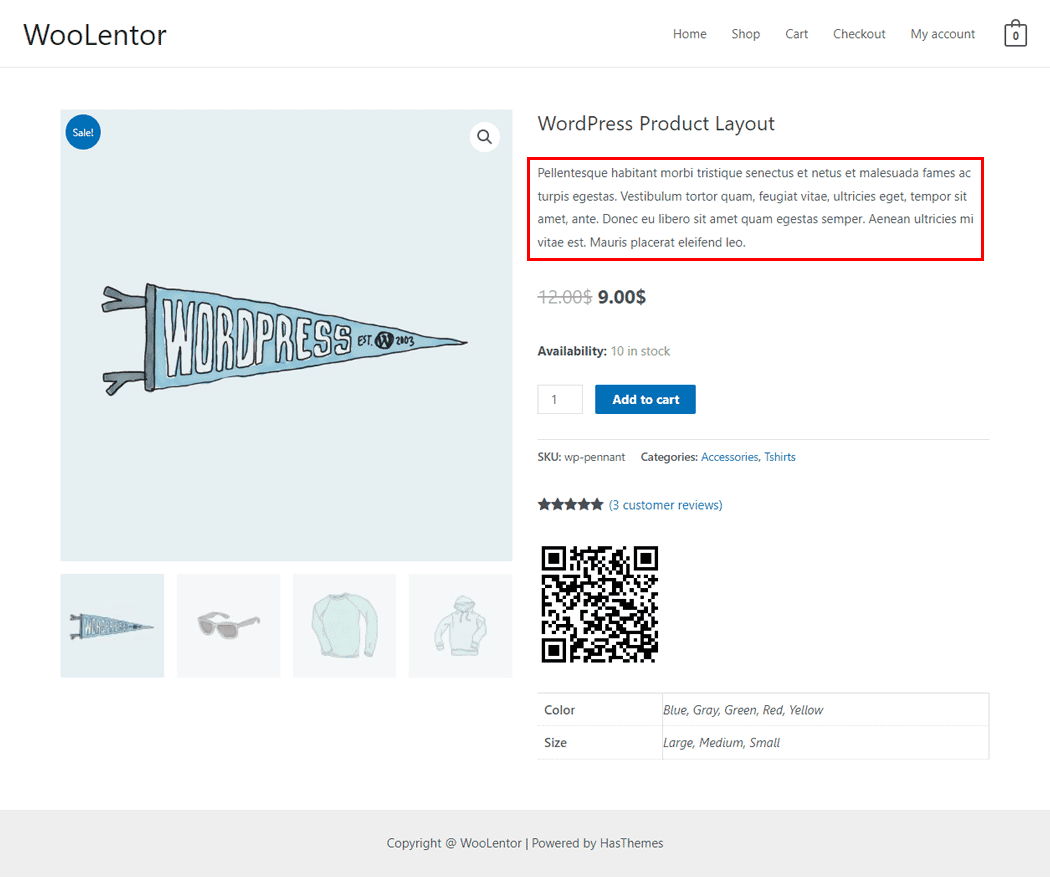
From the style, and setting make necessary customization from the available options.
Do you want to use the Product Description Block for Gutenberg? Click Here