
The “Single Product template” is useful if you want to present your product on the Single Product page. It lets you display your product on the Single Product page beautifully with all the convenient customization options available.
Why Single Product template is used?
On the Single Product page, the “Single Product template” is used to view the Single Product page on WooCommerce. The “Single Product template” is mainly designed for the Single Product Page.
Steps of adding Single Product template
Go to WordPress Dashboard > WooLentor > Settings > WooCommerce Template. Turn ON the “Enable / Disable Template Builder“.
- You need to use the “Single Product template” to view your Single Product page.
- To create the Single Product template, turn ON the “Enable / Disable Template Builder“.
Step 1: How to create the Single Product template?
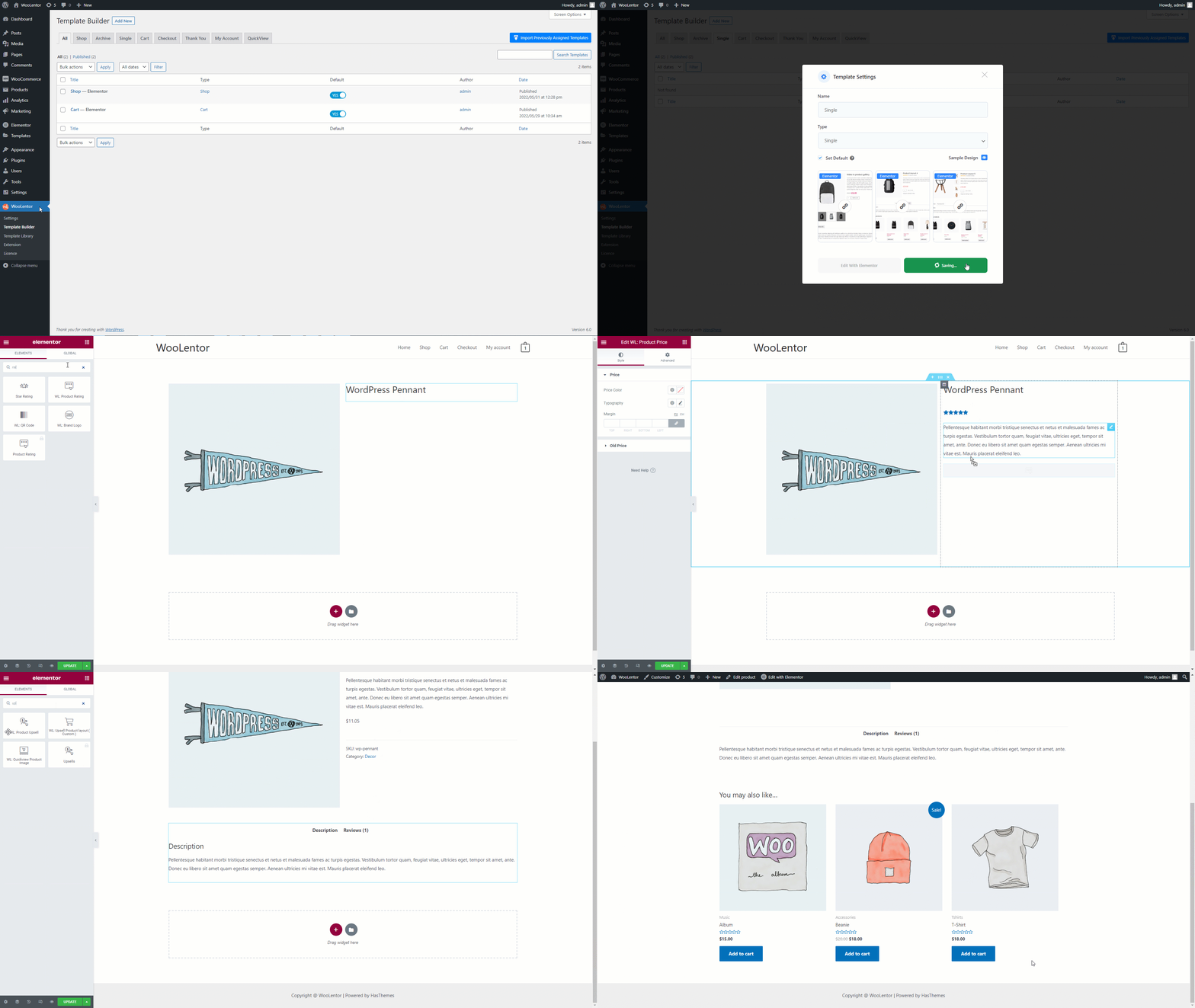
If you want to leverage the Single Product template on your WooCommerce store, you will need to use a template named “Single Product template“ to create the Single Product page with WooLentor. Check out the process to easily understand how to create the Single Product template with the “WooLentor” widget see the GIF image or follow the manual steps below.
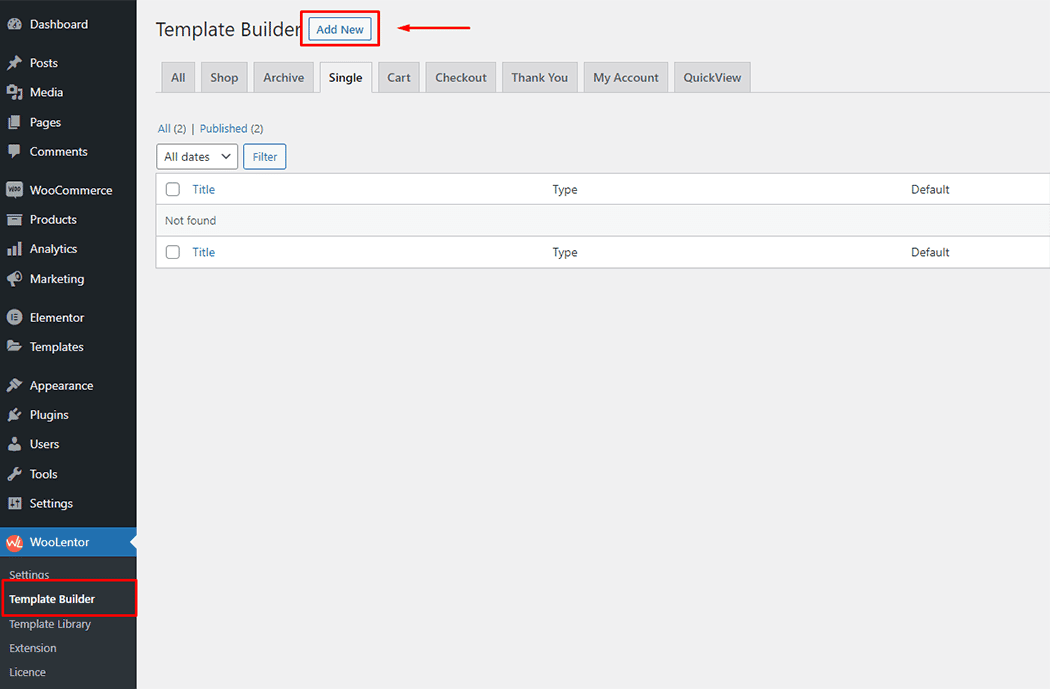
Go to Dashboard > WooLentor > Template Builder. Click the “Add New” button on the top right beside the text “Template Builder” to create a Single Product template
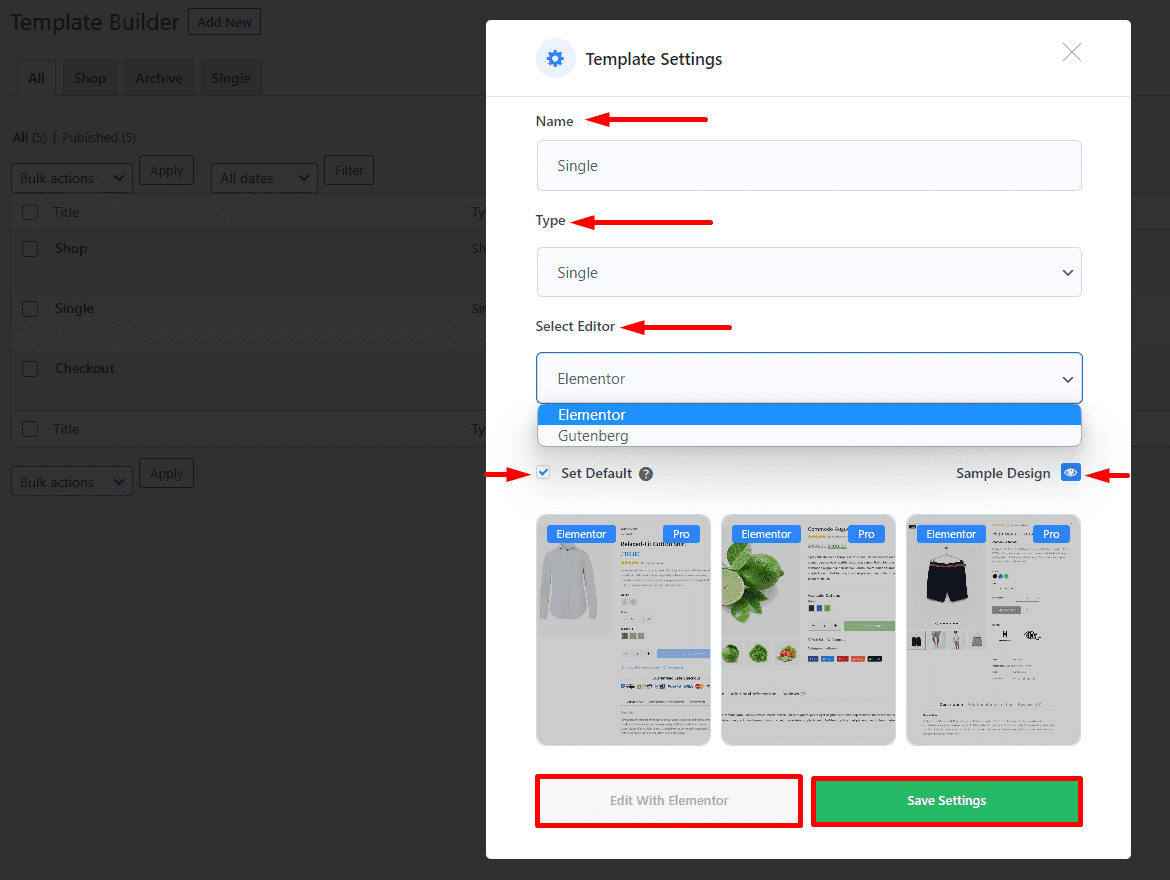
After clicking the “Add New” button, set the template settings from the popup and follow the steps below:
1- Enter a Name for the template.
2- Choose the template Type as “Single”.
3- Select the editor you want to use to edit the template. You have the flexibility to choose either Elementor or Gutenberg.
4- To set the template as default, enable the checkbox “Set Default”.
5- Select a “Sample Design” from the available templates or create your own design.
6- Click “Save Settings” button to save the template.
7- Then click “Edit With Elementor” or “Edit With Gutenberg” button to edit the template according to your needs.
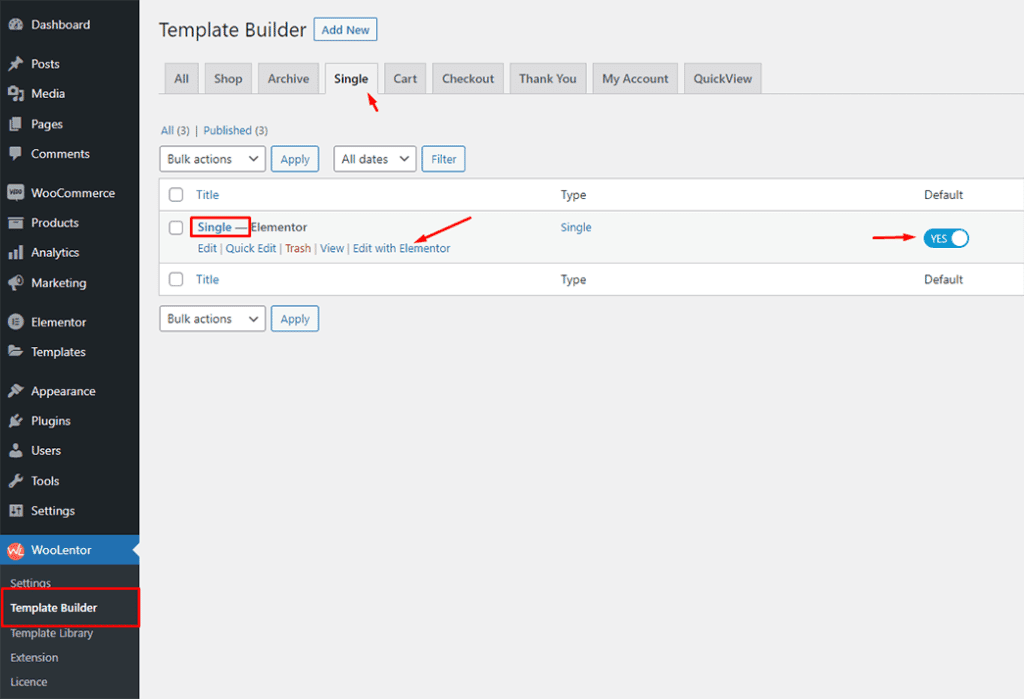
To add the Widget, click the “Edit with Elementor” button to edit the Single Product template
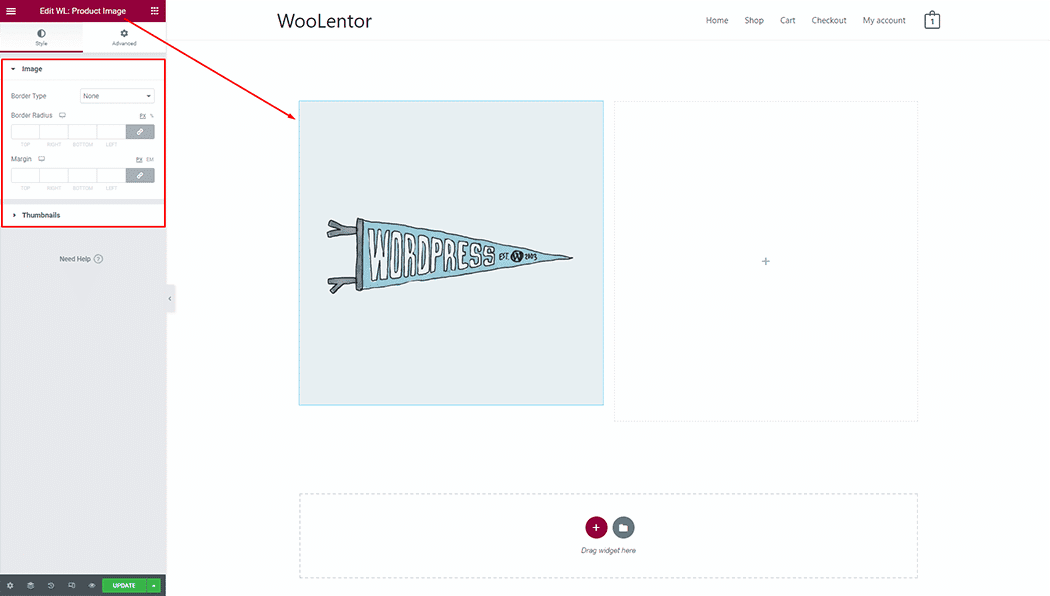
To add a Product Image widget, search by “Product Image” and use the widget that has the “WL Badge”. If you want to know more about the Product Image widget click here.
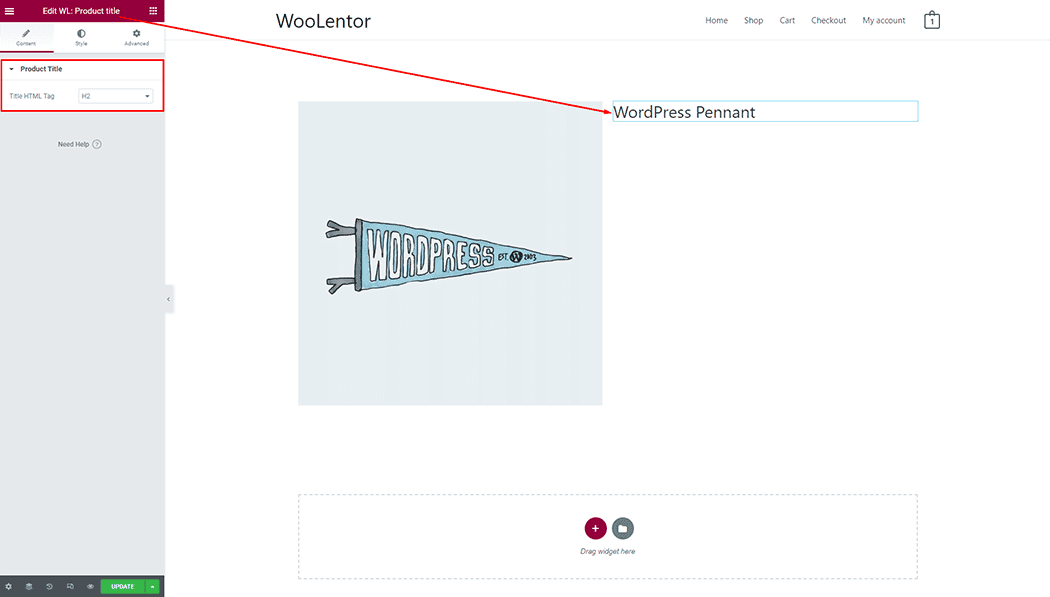
To add a Product Title widget, search by “Product Title” and use the widget that has the “WL Badge”. If you want to know more about the Product Title widget click here.
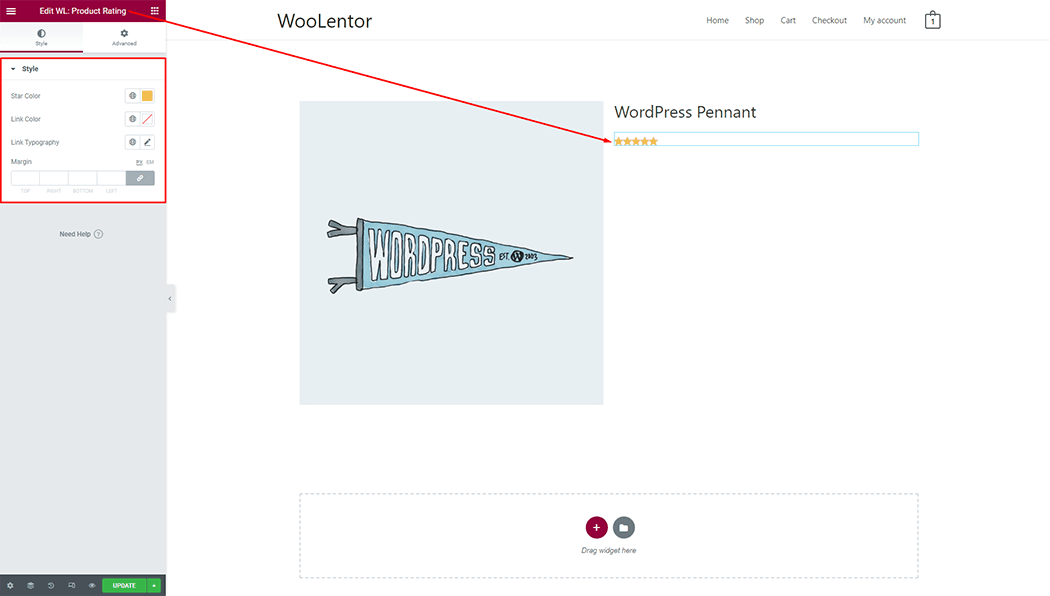
To add a Product Rating widget, search by “Product Rating” and use the widget that has the “WL Badge”. If you want to know more about the Product Rating widget click here.
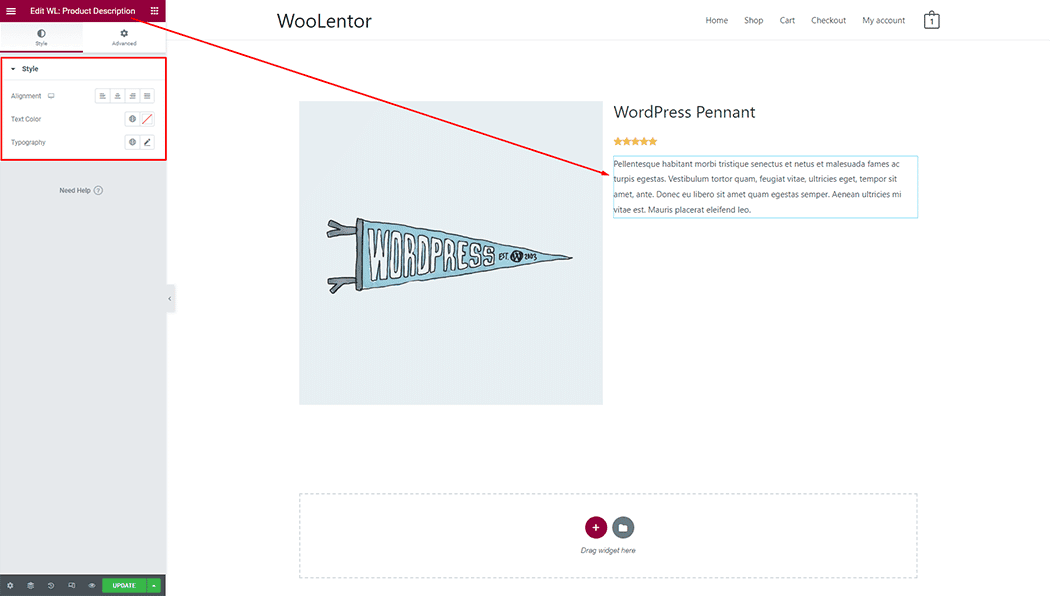
To add a Product Description widget, search by “Product Description” and use the widget that has the “WL Badge”. If you want to know more about the Product Description widget click here.
To add a Product Price widget, search by “Product Price” and use the widget that has the “WL Badge”. If you want to know more about the Product Price widget click here.
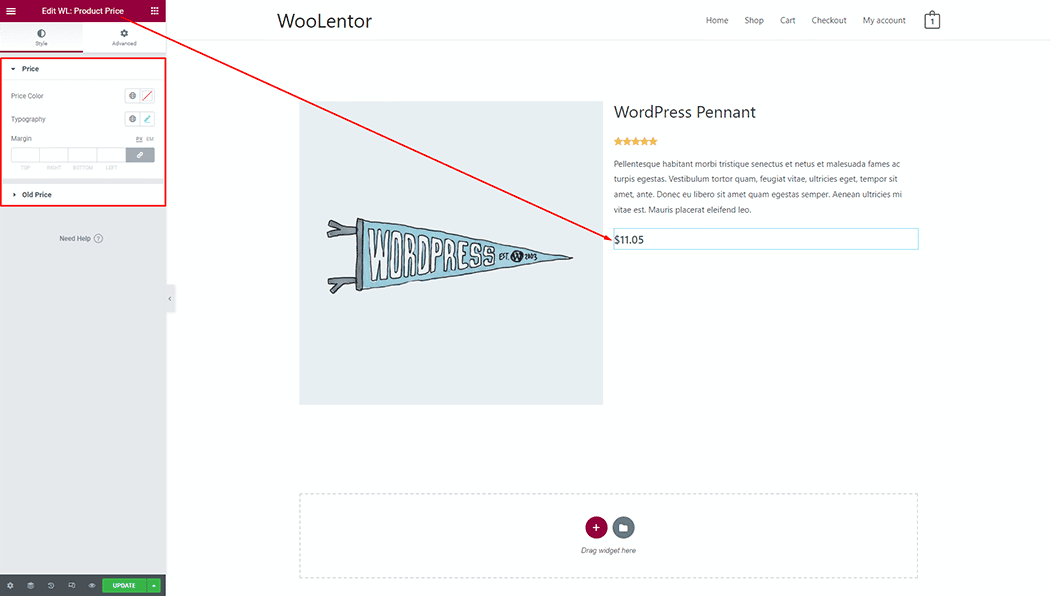
To add an Add to Cart Button widget, search by “Add to Cart” and use the widget that has the “WL Badge”. If you want to know more about the Add to Cart Button widget click here.
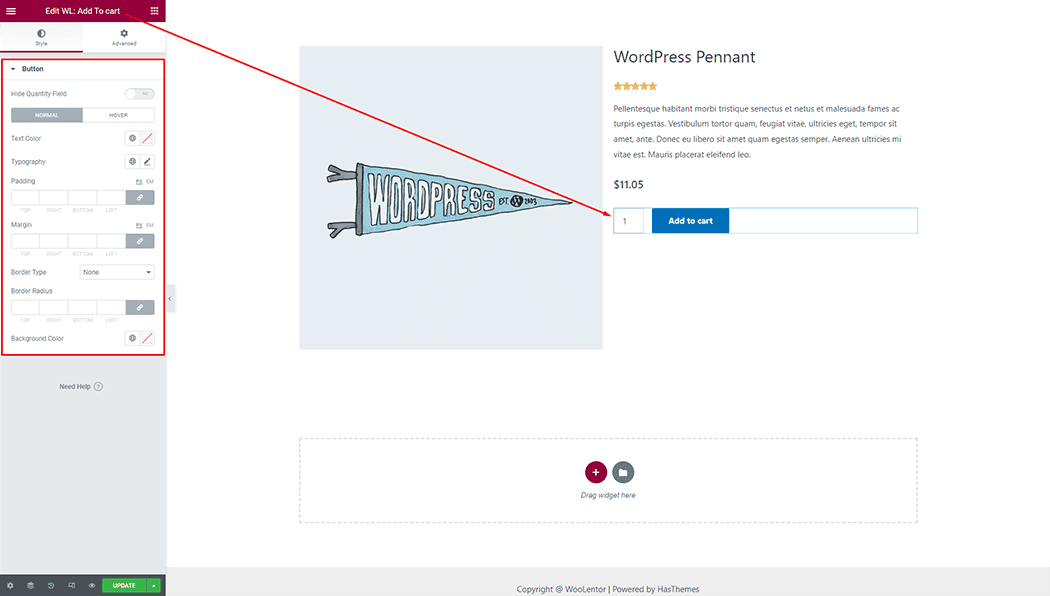
To add a Product Meta widget, search by “Product Meta” and use the widget that has the “WL Badge”. If you want to know more about the Product Meta widget click here.
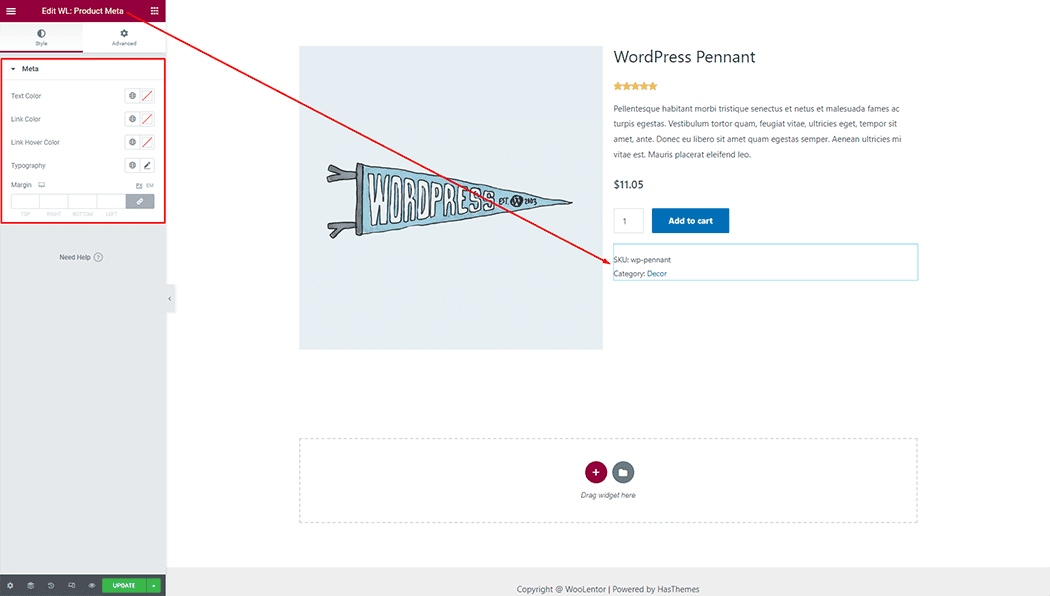
To add a Product Data Tabs widget, search by “Product Data Tabs” and use the widget that has the “WL Badge”. If you want to know more about the Product Data Tabs widget click here.
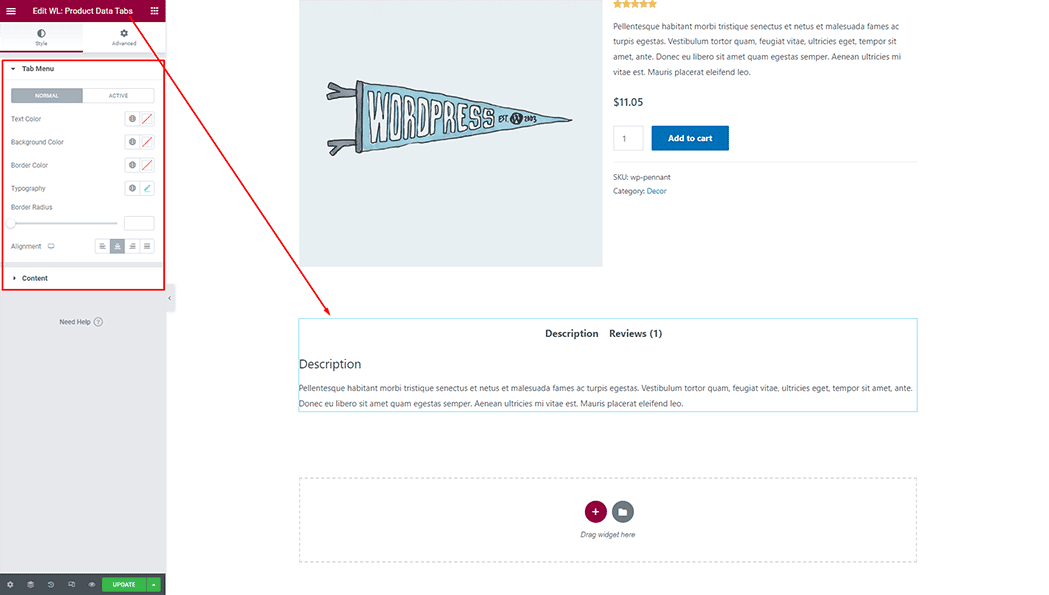
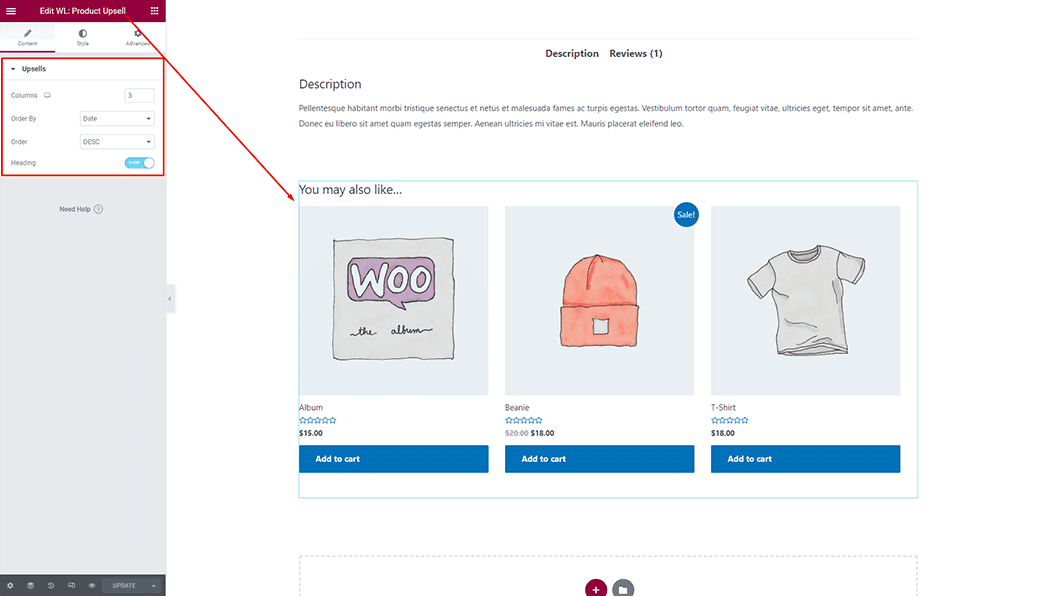
To add a Product Upsell widget, search by “Product Upsell” and use the widget that has the “WL Badge”. If you want to know more about the Product Upsell widget click here.
Step 2: Now visit the site
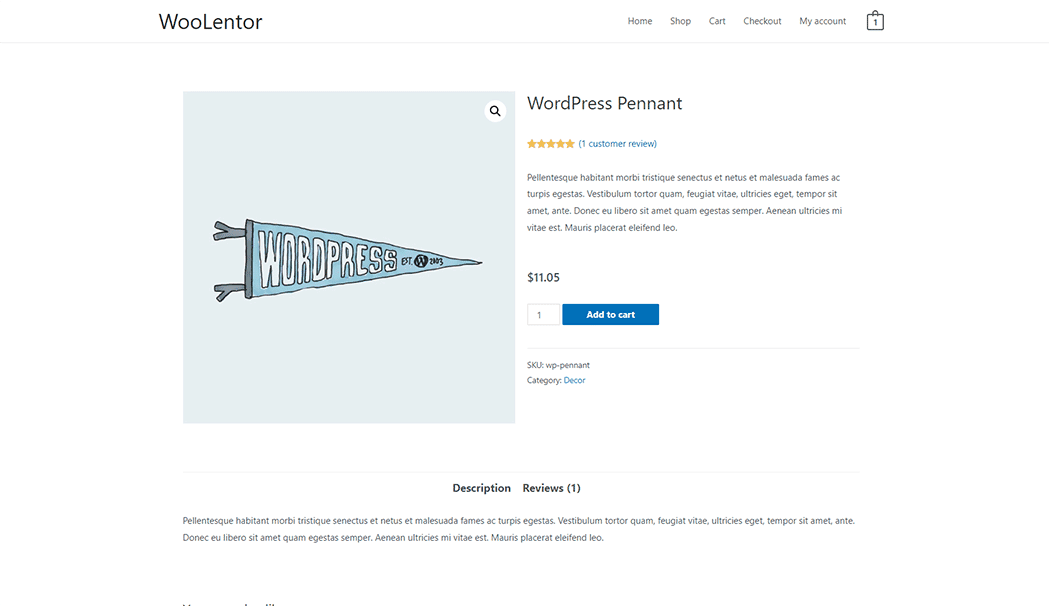
Visit the Single Product template to Preview.
From the style setting make necessary customization from the available options.